Services
Coins and networks
USDT payouts
Who it’s for
Editorial column
AS

Artyom Shardanov

This is a pen name of the Nexus Pay editorial team, not a real person. The column’s articles are written and reviewed by the editors under the same rules as the rest of the blog.

The engineer’s view: how it works inside. A column for people who want the mechanics: how network confirmations, contactless payments, QR codes and app login work, and what data is visible to whom. No marketing, just how the process works.

Topics: blockchain confirmations, contactless payments, login and data

37 articles

Articles in this column

Fees and ratesWhat is a gas fee, and why am I paying a network fee?4 min read
Deposits and networksCoin vs token: what is the difference in crypto?4 min read
Deposits and networksHow a crypto transfer works, from sending to crediting4 min read
Deposits and networksWhat a crypto wallet address looks like and how not to mix it up5 min read
Deposits and networksWhat Is a Block Explorer and How Do You Use It?5 min read
Deposits and networksWhat ERC-20, TRC-20 and BEP-20 mean, and why the network matters when you send crypto5 min read
Deposits and networksWhat is a memo (comment) on a crypto deposit, and why does it matter?5 min read
Deposits and networksWhat finality means in a crypto transfer, and why it matters before you press send5 min read
Deposits and networksWhat the mempool is, in simple terms, and why your transfer waits5 min read
SecurityHow to set an access code on your wallet app4 min read
SecurityHow to protect the Google account you use to log in to your wallet4 min read
SecurityHow to check which devices are logged in and close sessions you don't recognise4 min read
Deposits and networksHow to verify a payment request before you send crypto4 min read
ComparisonsWhat is visible to everyone on the blockchain, and what stays closed5 min read
Deposits and networksWhat is a TxID (transaction hash) and why you should keep it5 min read
Deposits and networksWhy some networks confirm transfers faster than others5 min read
Card and cashWhy Contactless Sometimes Asks for a PIN: How Tap Limits Work4 min read
Deposits and networksWhy your card history shows every transaction in one currency4 min read
Deposits and networksWhat determines how fast a withdrawal from your crypto wallet arrives5 min read
Deposits and networksHow long does a crypto deposit take to arrive, and what sets the time5 min read
Deposits and networksHow to send USDT from an exchange to your own wallet without losing funds5 min read
Deposits and networksCan you leave a hotel or rental deposit with a crypto card?5 min read
Deposits and networksWhat to check before sending a large crypto transfer5 min read
SecurityWhy link Google to your Telegram login: two doors into one wallet4 min read
Deposits and networksFive Ways to Turn USDT into Local Cash Without a Bank Account2 min read
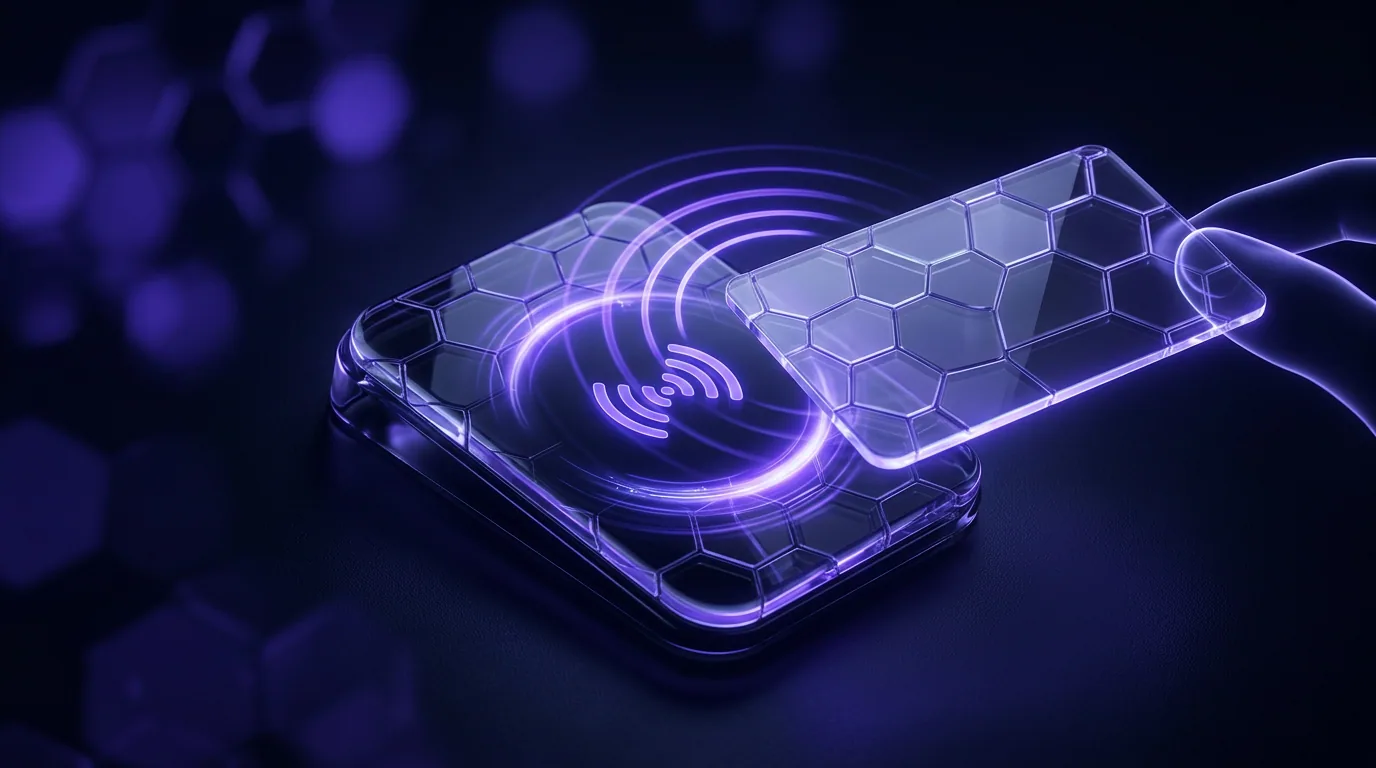
Card and cashHow NFC Contactless Payments Work and Why They're Fast3 min read
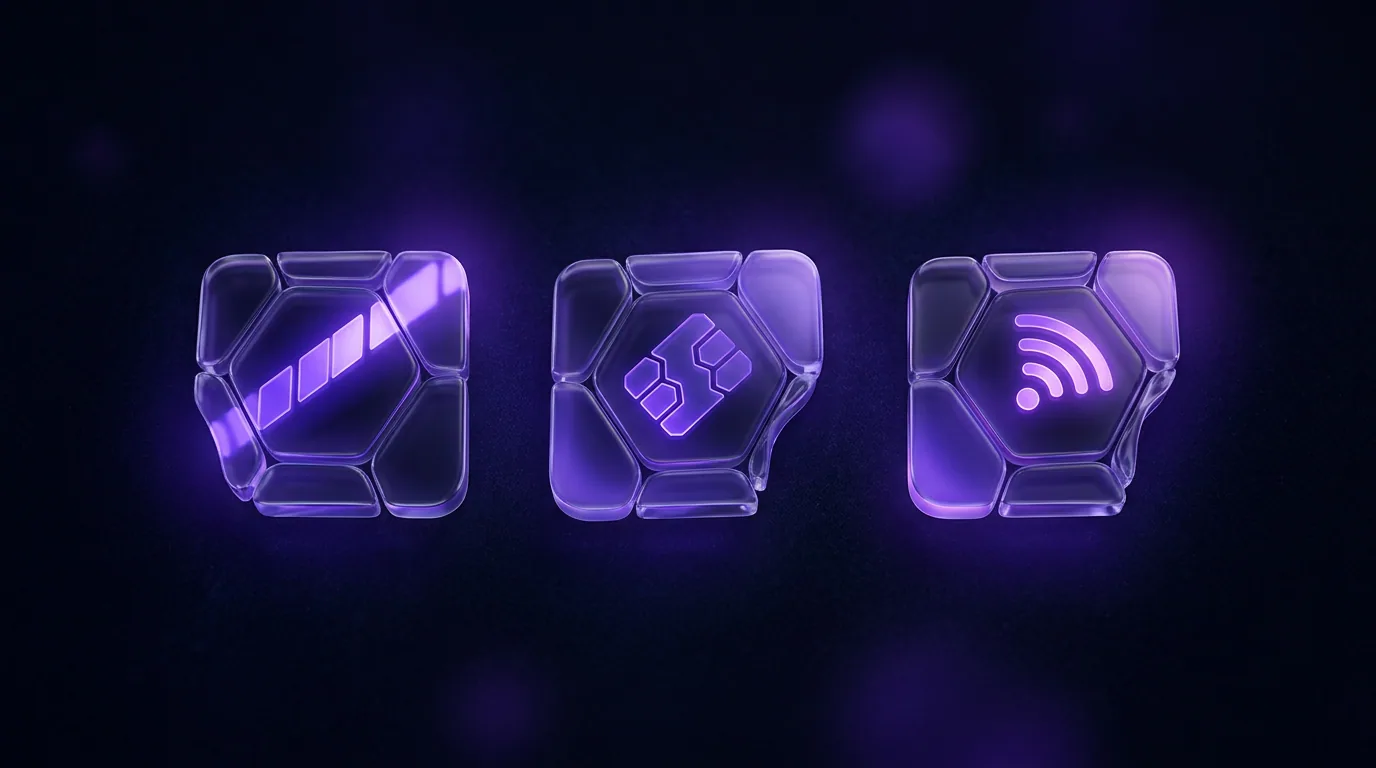
ComparisonsChip, Contactless, and Magnetic Stripe: How Card Payment Technology Has Evolved2 min read
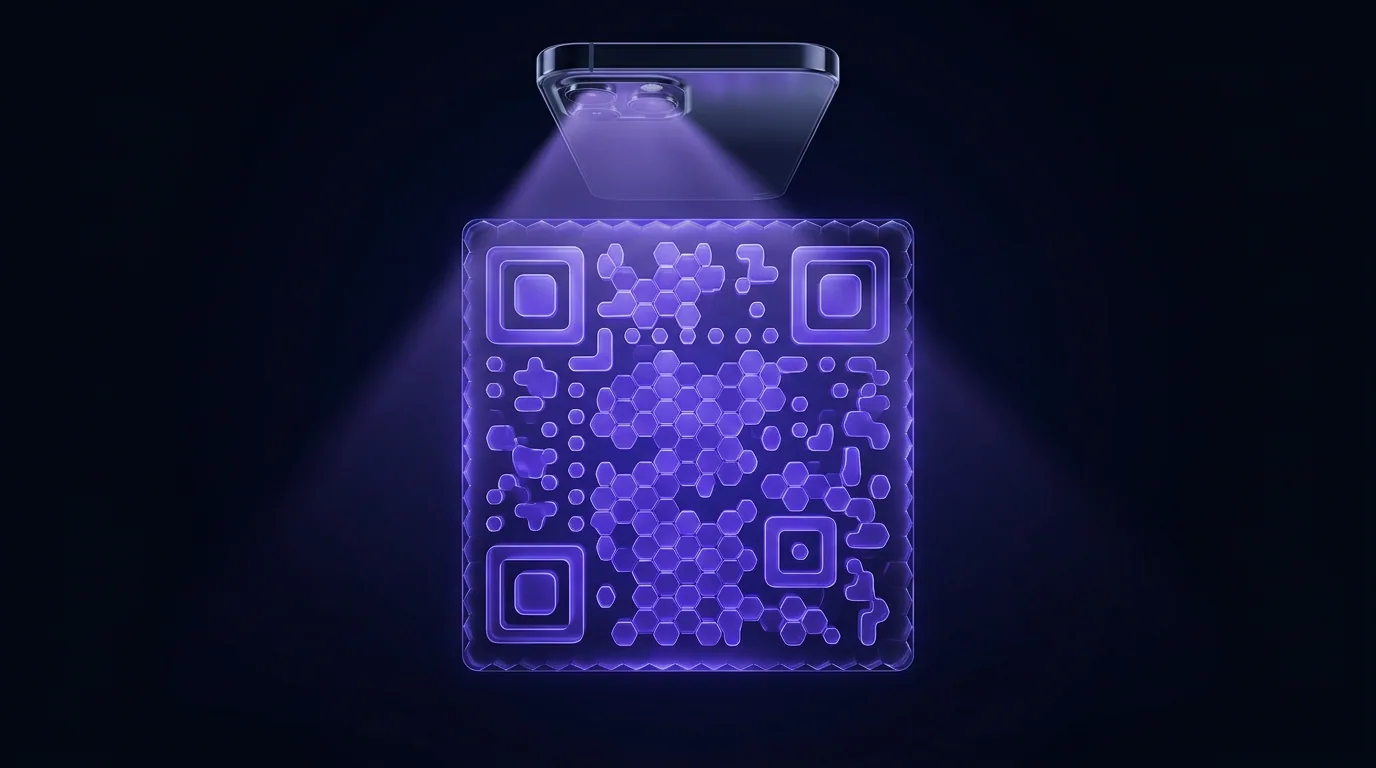
Card and cashQR Code Payments: How They Work and Where They're Common3 min read
Deposits and networksWallet Addresses and QR Codes: How to Receive Crypto Safely3 min read
Work and businessHow Merchants Actually Get Paid When You Use a Crypto-Funded Card3 min read
SecurityTwo-Factor and Passwordless Login: How Modern Apps Protect Your Account3 min read
SecurityWhat Data Does a Crypto Wallet App Actually Collect, and Why3 min read
Deposits and networksWhy Does a Crypto Transfer Take a Few Minutes? Understanding Confirmations2 min read
Fees and ratesWhy Some Purchases Don't Count for Cashback: Merchant Category Codes Explained2 min read
Crypto basicsUsing the Same Wallet Across Multiple Devices: How It Works and What to Watch For2 min read
Deposits and networksSent Crypto to the Wrong Address? What Actually Happens Next2 min read
Crypto basicsWhat Is Web3, and How Does Your Wallet Fit Into It?3 min read

It all lives in Telegram

No separate app to install: the wallet, the swap and the card open right inside Telegram. Your top-up and first swap take less time than your coffee needs to cool.

Open in Telegram Or open Nexus Pay in your browser — sign in with Google or Telegram
  1. Tap Start in the bot
  2. The app opens right inside Telegram — nothing to download
  3. Top up from any crypto wallet