


Keep
USDT, USDC, Bitcoin, Ether and TON in one account. USDT tops up on six networks — TRC-20, BEP-20, ERC-20, TON, Solana and Arbitrum One — and Bitcoin on the Bitcoin network. The ring on the home screen shows what the balance is made of.
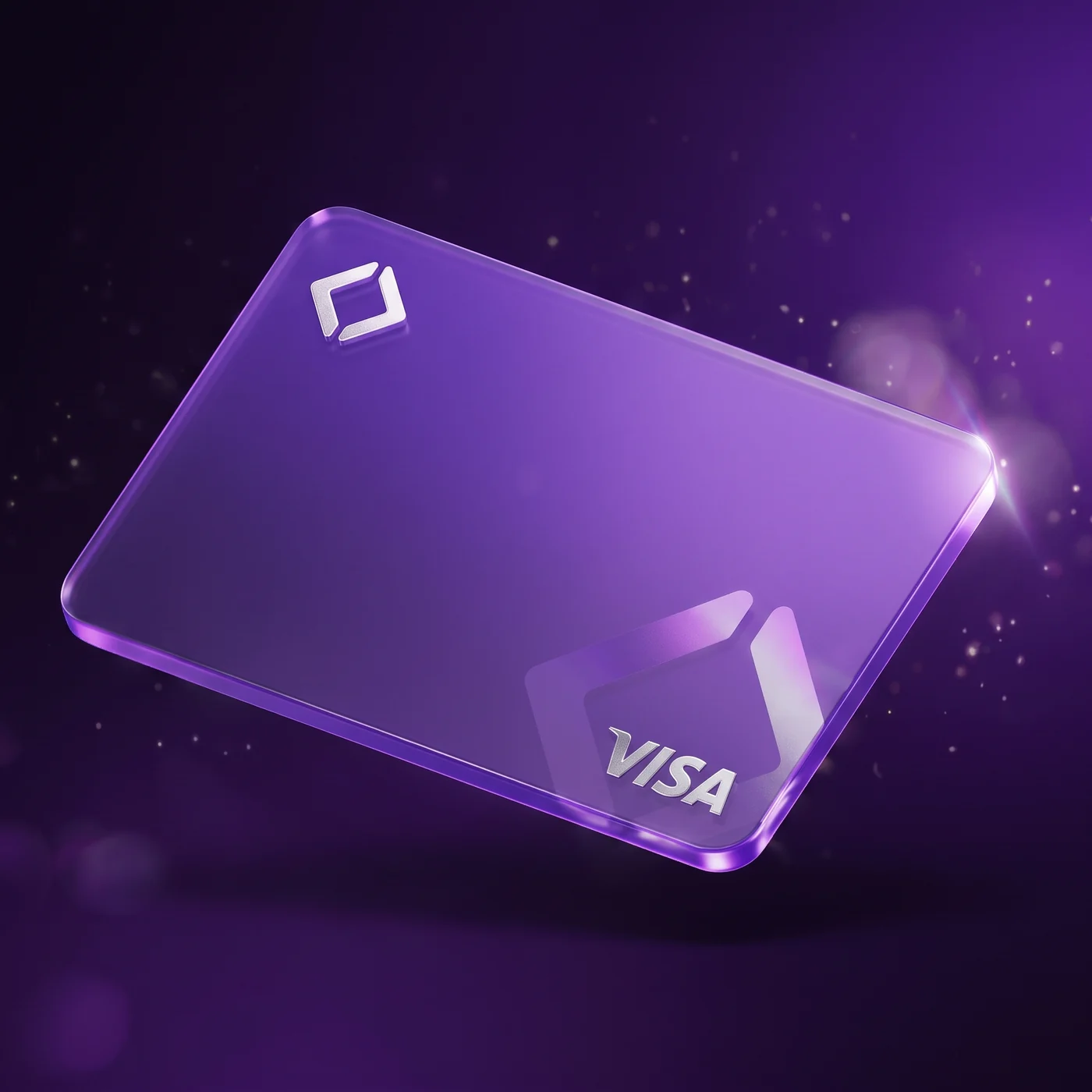
Keep USDT, Bitcoin and Ether in one wallet, swap them between each other with no fee, and pay by Visa card wherever you would pay by any other — in the shop, online and through Apple Pay.
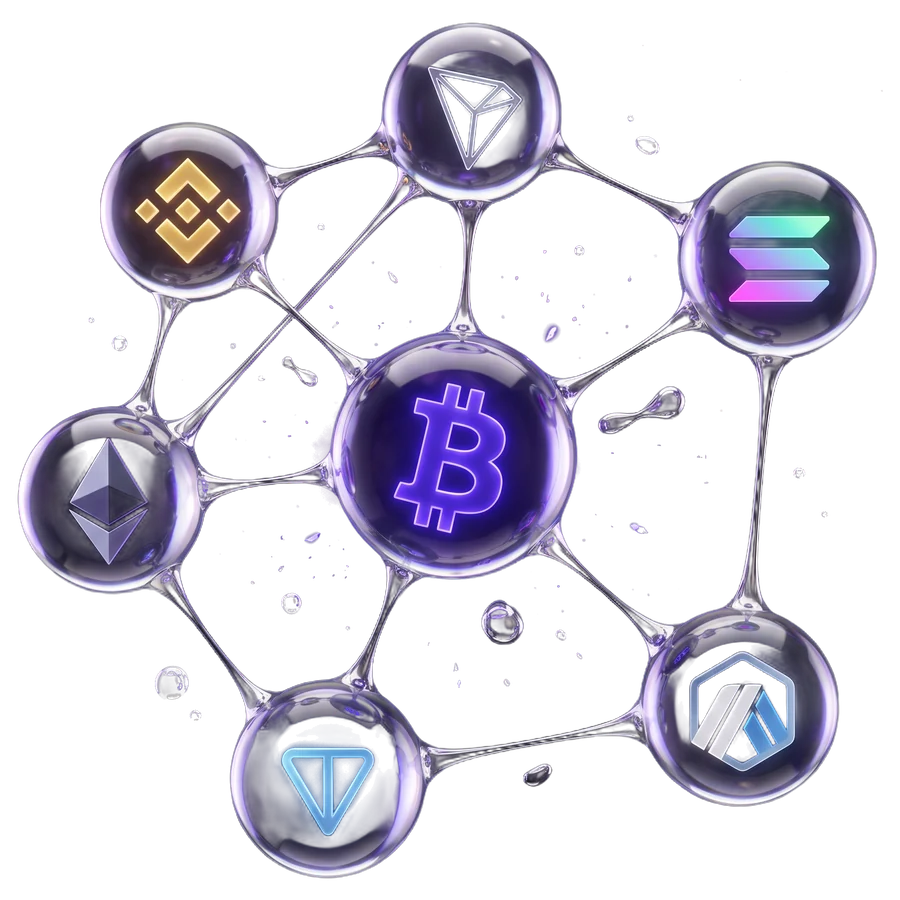 6networks for USDT top-ups

The fees are listed in full, including the ones usually tucked into a footnote under an asterisk.
The physical card is taken everywhere Visa is taken: at the till in a shop and at an ATM for cash.
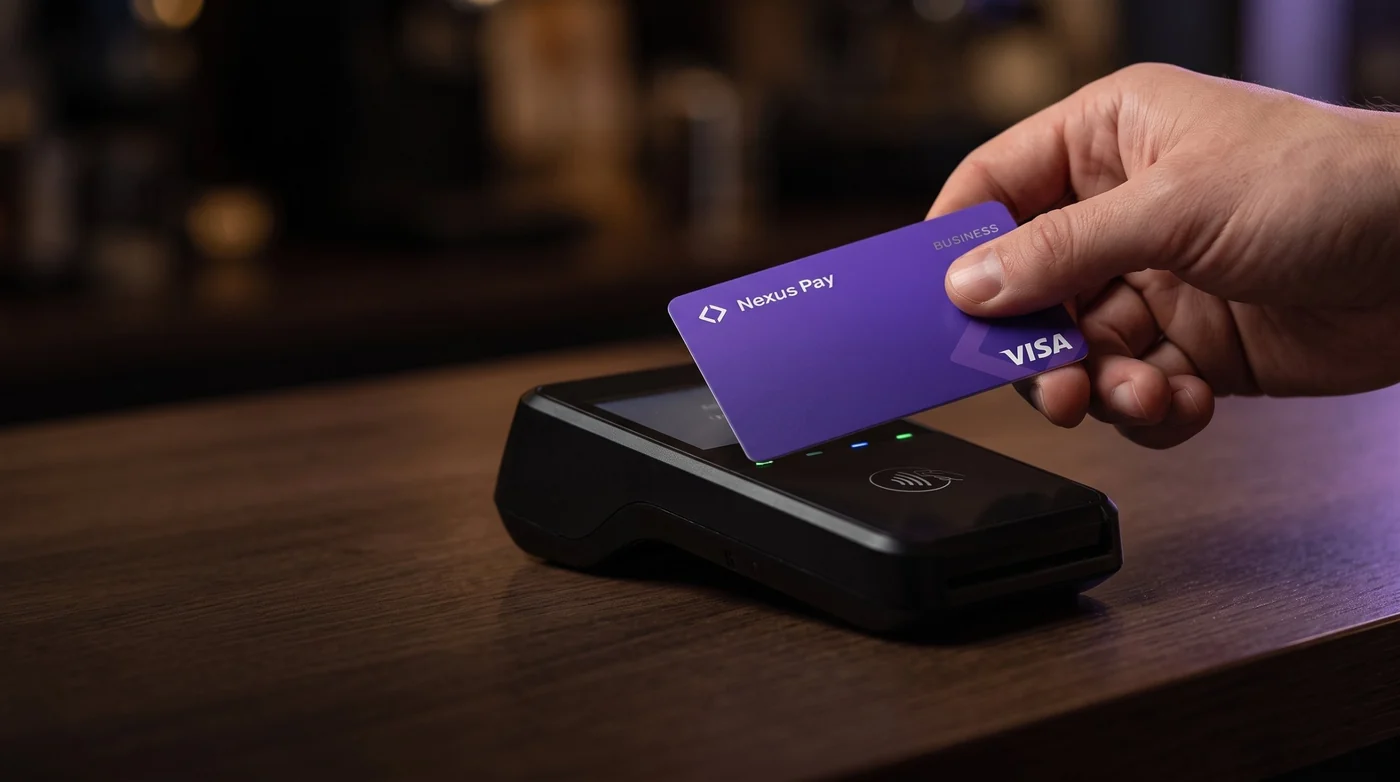
Tap the card on the terminal — it draws on the same balance you see in the app.
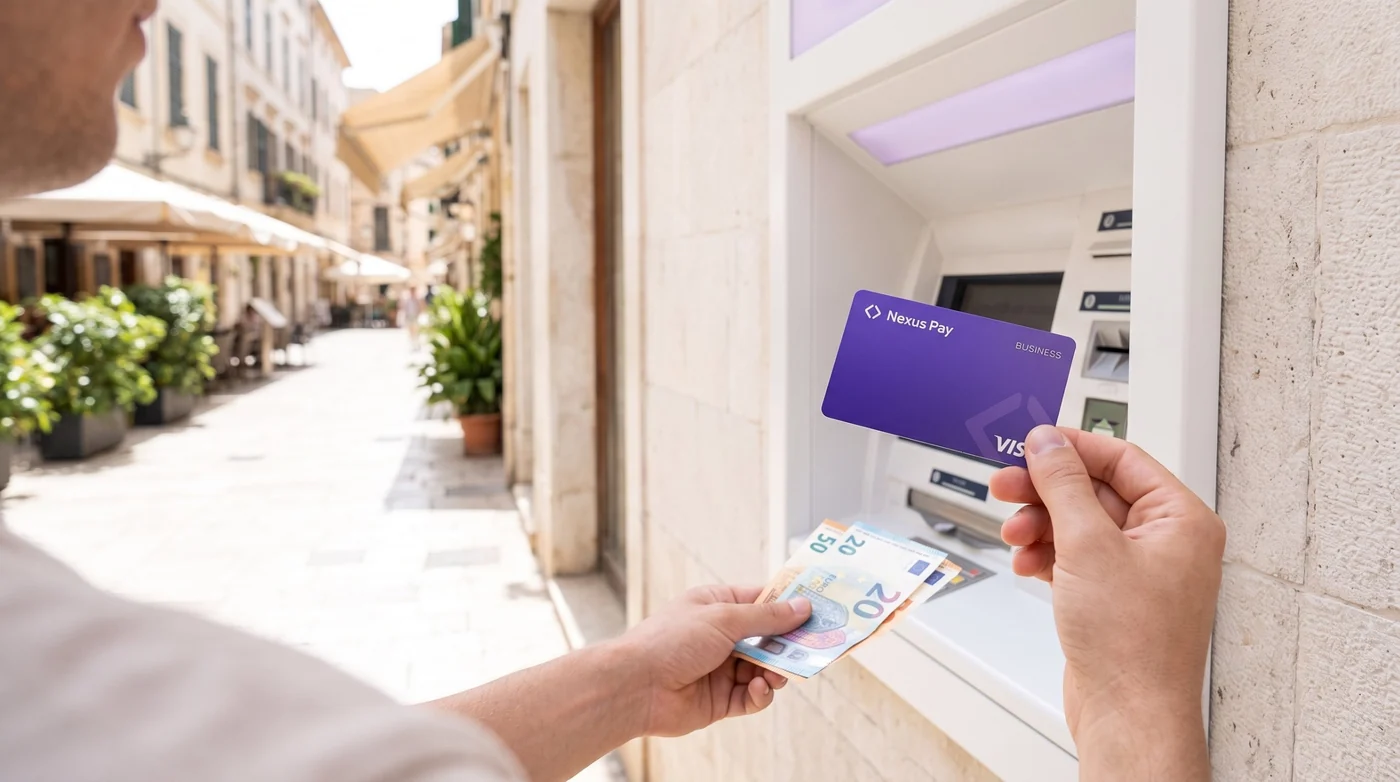
ATM withdrawals up to €5,000 a day on the Business plan. The ATM network charges its own fee.
The rate refreshes itself, the balance recounts itself, and the card works in those same seconds. All that is asked of you is the decision — everything else has already happened.
The ATM network may charge its own fee on top of ours — it differs from machine to machine.
Fee calculator with examplesNot twenty features but three, each finished properly. Everything else is built around them.
USDT, USDC, Bitcoin, Ether and TON in one account. USDT tops up on six networks — TRC-20, BEP-20, ERC-20, TON, Solana and Arbitrum One — and Bitcoin on the Bitcoin network. The ring on the home screen shows what the balance is made of.


Swap between assets at the exchange rate, with no fee. The final amount comes from the server’s answer, not a preliminary estimate — what you see is what you actually got.
A Visa card tied to that same balance. The virtual one is issued at once and works in Apple Pay and Google Pay; the physical one arrives by post and is taken at tills and ATMs.
 USDTTether
 USDCUSD Coin
 BTCBitcoin
 ETHEthereum
 TONToncoin
Beyond the wallet and the card, Nexus Pay lets you pay a supplier’s invoice, borrow against your coins, buy stock tokens, trade, gift stocks and top up your balance from your own wallet.
Loans, stock tokens and trading carry risk: the price of collateral and tokens can fall, and leveraged trading can cost you your entire margin. Nothing on this site is financial advice.
Every coin and network, every popular USDT withdrawal method and every common situation has its own page with minimums, fees and examples.
Screens from the Nexus Pay app: the balance has just been topped up with 1000 USDT — next comes issuing the card and topping it up, step by step.
A section without “bank-grade” promises — only what you can check inside the app today.
Sign-in is confirmed by your device. Fingerprint or Face ID is requested before withdrawals and swaps — wherever money moves.
A passcode on top of the session. A separate code to sign in. The session isn’t reset when the connection drops.
The address matches the network. The top-up screen shows the address for the network you chose and warns that sending on another network means losing the funds.
Swapping inside the wallet carries no fee. You see the final amount before confirming, and it comes from the server’s answer rather than a preliminary estimate.
USDT on six networks: TRC-20, BEP-20, ERC-20, TON, Solana and Arbitrum One. Bitcoin on the Bitcoin network. The address is issued for the network you chose; sending through another network loses the funds.
Yes. The browser version opens at app.nexuspayme.com: you can sign in with Google or with Telegram. Signing in with Telegram opens the same wallet as in the bot.
Both exist. The virtual card is issued at once and works online and in Apple Pay and Google Pay. The physical one is delivered to your address and is taken at tills and ATMs.
The interface and support are available in 11 languages: Russian, English, Spanish, Portuguese, French, German, Turkish, Arabic, Hindi, Chinese and Indonesian.
 Fees and ratesHow Much Does It Cost to Withdraw Cash Abroad with a Crypto Card?Cash abroad with a crypto card: 0.5% to load the card plus 1.5% + 1 USDT per ATM withdrawal, plus any ATM-owner fee.…
 Deposits and networksWhy Your Crypto Deposit Isn't Showing Up in Your Wallet, and What to CheckCrypto deposit not showing up? Check confirmations, the network, the minimum amount and sender-side holds, then get…
 ComparisonsCrypto card vs traditional debit card: what actually differsA debit card spends from a bank account, a crypto card from a wallet balance moved onto it. See how they differ in…
 Fees and ratesWhich network is cheapest for depositing USDT, and how to chooseTRC-20 and BEP-20 usually cost much less than ERC-20 to send USDT. See how network fees work and how to choose a…
 SecurityIs it safe to keep money in a wallet that opens inside Telegram?A Telegram wallet can be reasonably safe, but only if your Telegram or Google account is protected. Here is what the…
 Crypto basicsWhat is a stablecoin, in plain words, and why does it exist?A stablecoin is a crypto token built to stay near one dollar. Here is what it is, why people use USDT and USDC, and…
No separate app to install: the wallet, the swap and the card open right inside Telegram. Your top-up and first swap take less time than your coffee needs to cool.
Open in Telegram Or open Nexus Pay in your browser — sign in with Google or Telegram
Opening…
Point your phone camera at the code — the bot opens in Telegram.