USDT in Ukraine: hryvnia to monobank, PrivatBank or by Visa card
Kyiv, Lviv, Dnipro, Odesa — and clients who settle in stablecoins? Hryvnia arrive on a monobank “black card” or in a PrivatBank account, while the Visa card pays at ATB, Silpo and for Rozetka orders.
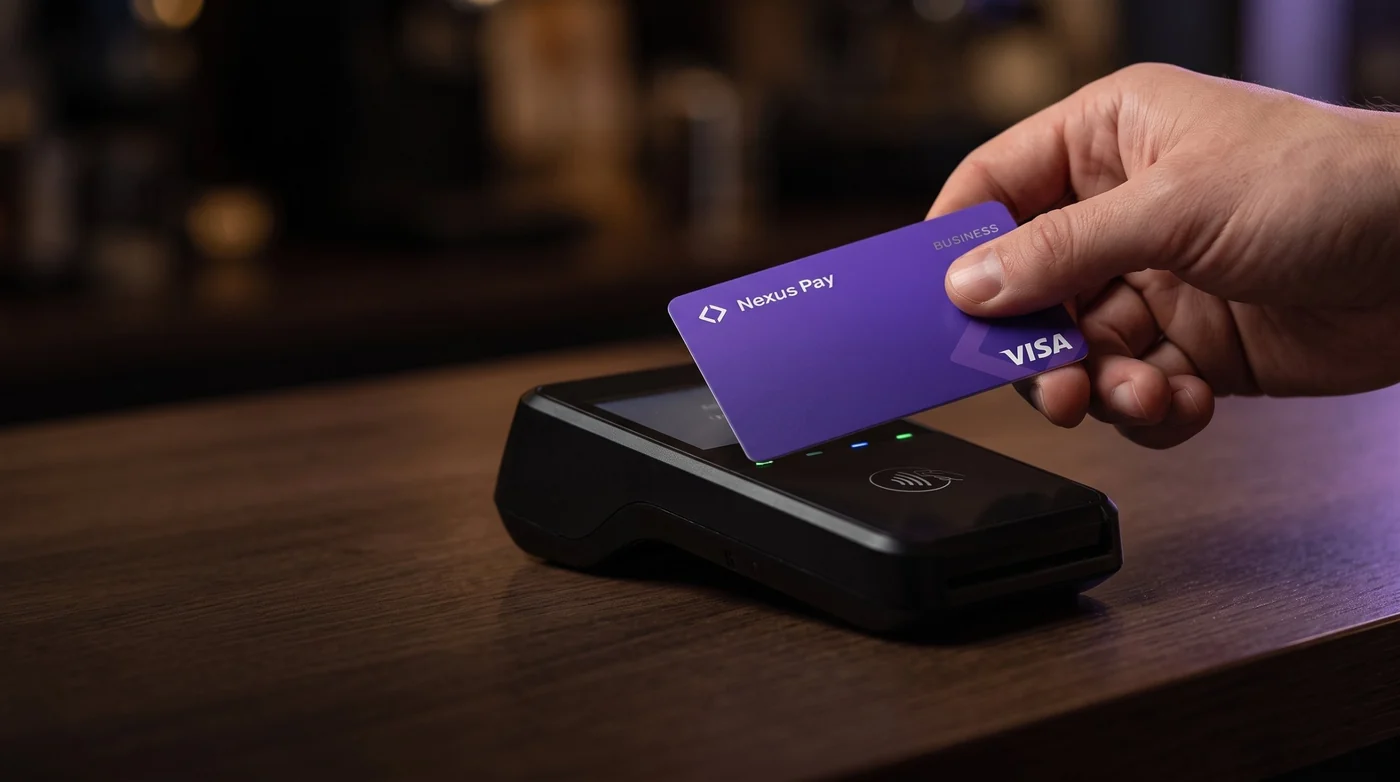
Ukraine offers two roads to hryvnia. monobank receives on a card: sixteen digits plus the cardholder’s name, and the hryvnia typically show up 5–15 minutes later. PrivatBank receives on an account: the UA IBAN, the ID document number and the full name, as a bank transfer of one to three business days. For shopping the Visa card debits hryvnia and adds nothing per purchase. A hryvnia payout costs 1%, minimum 1 USDT; a bankomat, 1.5% + 1 USDT.
Paying and cashing out in Ukraine: what to know
In Ukrainian cities people tap a card or phone almost everywhere and send each other money to a card number.
monobank lives in your phone
monobank has no branches: account, card and support all sit in the app. A payout needs just the card number and name, and hryvnia usually arrive in 5–15 minutes.
PrivatBank by account transfer
A PrivatBank payout travels as a bank transfer: IBAN (UA plus 27 characters), ID number and the recipient’s full name. It takes one to three business days.
Everything in hryvnia
Price tags and receipts are in hryvnia (UAH). The Visa card converts USDT at the day’s rate, payouts arrive in hryvnia too, and the amount is shown before you confirm.
Cash for the bazaar
Supermarkets, pharmacies, petrol stations and coffee shops take cards and contactless. Paper hryvnia are mostly for the market, the marshrutka and small kiosks.
Withdrawing money in Ukraine
Two Ukrainian methods. monobank takes a payout to a card number, with the name as it appears in the bank’s app. For PrivatBank the form asks for the IBAN, the ID document number exactly as written in the document, and the full name. The floor is 2 USDT.
 monobankOnline bankcard number + recipient’s nameUAHusually 5–15 minutes
 PrivatBankBankIBAN + ID document number + recipient’s nameUAH1–3 business days
Cards and accounts at other Ukrainian banks are not in the catalogue; people banking with them can fall back on international Wise, Revolut or PayPal.
Who uses USDT in Ukraine, and how
IT freelancer registered as a FOP
Foreign clients pay in USDT; hryvnia for utilities and groceries go out to monobank, bigger sums to a PrivatBank account.
Helping parents in another city
A mother in Poltava or a father in Vinnytsia receives hryvnia on their own monobank card; the payout form happily accepts someone else’s name.
Working for an employer abroad
USDT salary, groceries on the Visa card, and the Lviv landlord paid to his monobank card in a matter of minutes.
A small online shop
Pay an overseas supplier in stablecoins, and move revenue received in USDT to PrivatBank to settle with contractors at home.
How much reaches monobank or PrivatBank?
Whether it goes to monobank or PrivatBank, a Ukrainian payout is charged 1%, minimum 1 USDT; what is left converts to hryvnia at the rate quoted on the last screen.
Utilities, a Lviv flat, renovation: the deduction
Hryvnia move against USDT every day, so this table stops at USDT; the exact UAH figure is in the app before you commit. An unprocessed payout to Ukraine is refunded in full, deduction included.
All payout methodsFour rules for Ukraine
- 1Terminal offers dollars? NoA till or cash machine may suggest charging in dollars or euros. Choose hryvnia: the machine’s conversion is almost always dearer.
- 2Today means monobank, not IBANIf hryvnia are needed the same day, send them to a monobank card. A PrivatBank transfer moves on business days and stands still at weekends.
- 329 characters and the passport nameA Ukrainian IBAN always has 29 characters and starts with UA. Enter the name and document number exactly as the bank holds them — a mismatch delays the transfer.
- 4Bankomat surcharges are announcedPrivatBank, Oschadbank or any other owner of a machine may charge a card from abroad; the screen says so first. Our 1.5% + 1 USDT comes on top.
Top-ups, fees and the card
Nobody can return a deposit sent on another network. Copy the address from the app and pick the same network.
Where else


Common questions in Ukraine
Didn't find an answer? Message support right in the app.
Can I cash out USDT to monobank?
Pick monobank among payout methods, then enter the 16-digit card number and the name exactly as the monobank app spells it. Hryvnia generally reach the card 5–15 minutes later.
What does a PrivatBank payout need?
Three things: the UA… IBAN of 29 characters, the ID document number as printed in that document, and the full name. Expect one to three business days; the UAH sum is visible in the final step.
What is the smallest hryvnia payout?
Ukrainian requests start at 2 USDT. Because 1%, minimum 1 USDT has a fixed lower limit, sending 50 USDT three times costs more than sending 150 once.
What about cards at other Ukrainian banks?
Only monobank and PrivatBank are listed for Ukraine right now. Beyond them, Wise, Revolut or PayPal accept a payout for anyone with an account in one of them.
Do I need a Ukrainian card to pay with Visa?
No — the Visa card spends straight from your crypto-funded balance. A Ukrainian bank becomes relevant only once you want hryvnia in it.
What does a Kyiv bankomat cost?
Each withdrawal carries our 1.5% + 1 USDT. A Ukrainian bank running the machine can stack a fee of its own, displayed before the notes come out — decline if it is too high.


