Nexus Pay in Venezuela: bolívares through Pago Móvil
Venezuelans stopped sending bolívares by account number long ago: Pago Móvil links a phone, a bank and a cédula. If you hold USDT, the same mechanism works for payouts — money goes to a Banesco account connected to Pago Móvil.
In Venezuela USDT becomes bolívares through Pago Móvil into a Banesco account. The app asks for three things: the phone number Pago Móvil is linked to, the cédula number and the holder’s name. An operator sends the payout, usually within 5–15 minutes; 1%, minimum 1 USDT is deducted and requests start at 2 USDT. The bolívar amount is on screen before you confirm.
Pago Móvil and a bolívar after redenominations
Venezuelans are used to quick transfers by phone — for groceries, taxis and a plumber’s visit. The bolívar has shed zeros three times in fifteen years, so old amounts with endless zeros belong to history.
Pay by phone number
Pago Móvil ties a bank account to a mobile number. To pay, you enter the recipient’s phone, their bank and their cédula — no account number needed.
Fourteen zeros gone
In October 2021 the central bank cut six more zeros and renamed the currency the “digital” bolívar. Since 2008, redenominations have removed 14 zeros in total.
Banesco receives the payout
A Nexus Pay payout lands in a Banesco account through Pago Móvil. The recipient therefore needs a Pago Móvil-enabled account at that particular bank.
Company invoices go by SWIFT
To pay a Venezuelan company’s invoice, the app sends a SWIFT bank transfer in bolívares: account number, recipient and the bank’s SWIFT/BIC, which is mandatory.
Withdrawing money in Venezuela
There is one local route — Banesco via Pago Móvil — and it is fast. What sets it apart from other countries is the third field: besides the phone and name, the app asks for the recipient’s cédula, because that is how Pago Móvil checks whose account it is.
 Banesco (Pago Móvil)Mobile moneyphone number + ID document number + recipient’s nameVESusually 5–15 minutes
Phone, cédula and bank must match the recipient’s Pago Móvil setup. Most bounced transfers come from a typo in the cédula or an outdated phone number.
Who receives bolívares from USDT
An illustrator in Valencia
Commissions from platforms abroad are paid in USDT. He pays out bolívares in small amounts — just enough for groceries and bills for the next few days.
Venezuelans abroad
A daughter living in Colombia or Spain helps her parents in Maracaibo. She enters their Pago Móvil phone, cédula and name, and bolívares reach their Banesco account.
A remote software engineer
An employer abroad pays in stablecoins. Savings stay in USDT, and only what needs spending now becomes bolívares.
A small workshop owner
A spare-parts supplier wants a bank transfer. The invoice is paid from the app by SWIFT: account number, recipient name and bank code.
What will the app ask for Pago Móvil, and why?
Unlike most wallets, this route has three required fields. Each covers its own part of the check.
Phone
The number the recipient enabled Pago Móvil on at Banesco. Use international format with +58; a contact number not linked to the service will not work.
Cédula
The account holder’s identity number. The bank uses it to confirm the money goes to the right person; for a company, the RIF takes its place.
Name
The holder’s full name exactly as the bank records it. If any of the three fields does not match, the transfer fails and the request comes back.
Refunds in full
If the operator cannot credit the bolívares, the request returns to your balance together with its fee. A payout that has been confirmed and sent cannot be cancelled.
Bolívares without bounced payouts
- 1Ask for details in writingHave the recipient text you the phone and cédula rather than read them out. Two swapped digits in a cédula are the top reason for a return.
- 2Pay out what you spendBolívares suit day-to-day costs. What you are saving can stay in USDT and be paid out as needed.
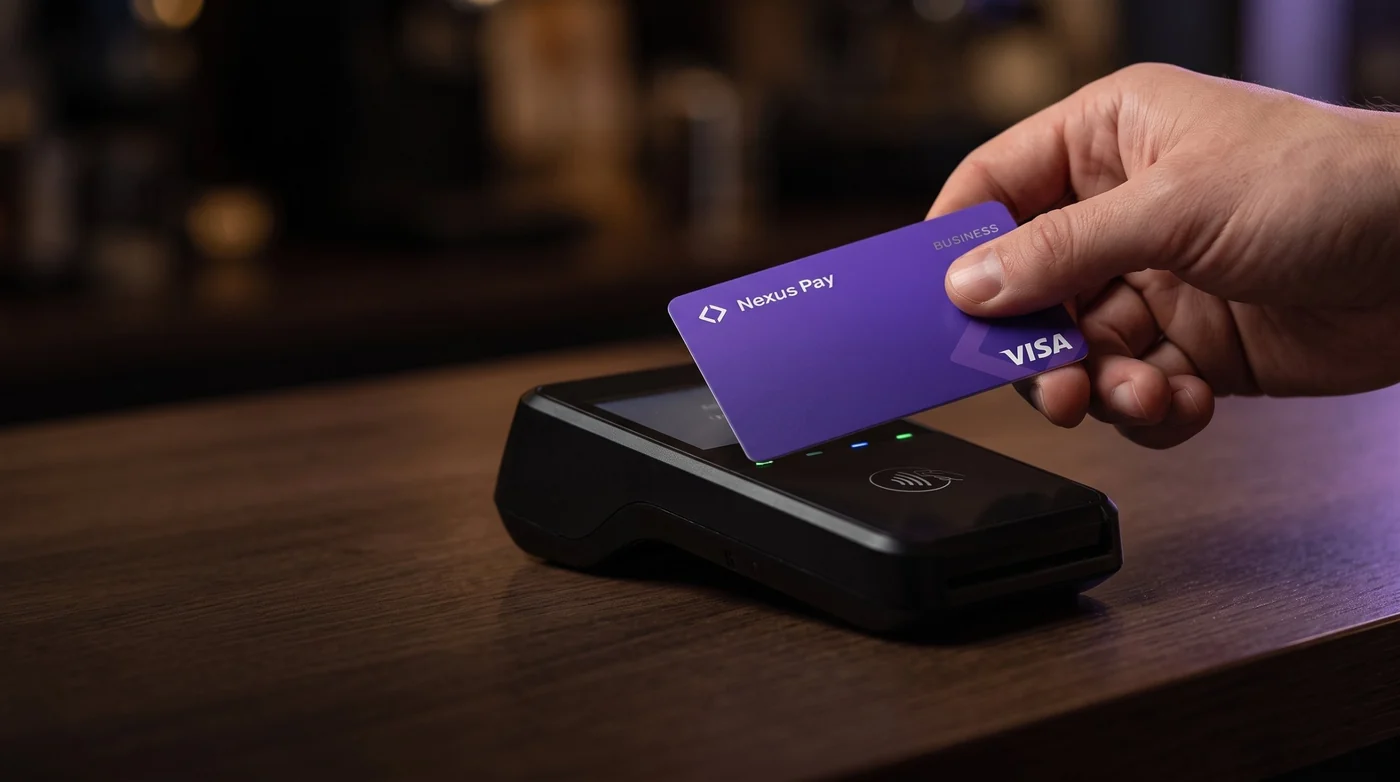
- 3Cash bolívaresWhere Pago Móvil is accepted, you need no cash at all. If you do withdraw with the Nexus Pay card, our part is 1.5% + 1 USDT, and any fee from the bank running the ATM is shown in advance.
- 4Invoices need a SWIFT codeA company invoice cannot be paid without the bank’s SWIFT/BIC. Ask the supplier for complete bank details in advance.
Top-ups, fees and the card
There is no undo button on a blockchain: a wrong network or address means the funds are lost.
Where else


Common questions in Venezuela
Didn't find an answer? Message support right in the app.
Can I withdraw USDT through Pago Móvil?
Yes, to a Banesco account with Pago Móvil enabled. Enter the phone, cédula and holder’s name; bolívares usually arrive in 5–15 minutes, and the fee is 1%, minimum 1 USDT.
Why does the app need a cédula number?
Pago Móvil identifies the recipient by phone + bank + cédula. Without the ID number the bank cannot verify the account, and the transfer will not go through.
Can I pay out to an account at another bank?
The catalogue lists Banesco via Pago Móvil for Venezuela. Other banks cannot be reached by this route; for an account abroad there are international routes such as Wise or PayPal.
Can I send bolívares to relatives?
Yes. The form asks for the recipient’s details and does not limit payouts to your own account. You need the relative’s Pago Móvil phone, cédula and name.
How do I pay a Venezuelan company’s invoice?
Through invoice payments: attach the invoice, enter the account number, recipient name and the bank’s SWIFT/BIC. The transfer goes out in bolívares by bank wire.


